Improved
- Column update logic now includes enrichment metadata changes, ensuring data enrichments are properly tracked and applied
Changelog
We continuously improve Milemarker with new features, enhancements, and fixes. This page highlights recent updates to the platform.
Datatables collapse option — datatables can now be collapsed to save space and reduce visual clutter
Condensed view setting — new table setting to display metrics in a compact condensed layout
Default record count — admins can now configure the default number of records shown (25, 50, 75, or 100) per datatable, defaulting to 25
Collapsible associated tables in MM Layers — associated tables now load collapsed by default, showing only the table name without fetching data until expanded, dramatically improving load time
Springboard toggle — new Admin setting to enable or disable the Springboard per tenant
Removed minimum column width constraint on datatables, allowing more flexible column layouts
Enhanced pagination handling in the Milemarker Data Grid with dynamic page sizes and a new pagination page size enum
Support page now correctly displays workflow request records across all tenants
Page grid API initialization support — resolved issue preventing grid from initializing on certain support pages
Optimistic updates for workflow requests — the datatable now reflects changes immediately without requiring a full page refresh
2-column layout toggle in the Workflow Request details tab — users can now switch between 1-column and 2-column views
Date columns no longer display raw numeric values — formatted dates now show correctly in filter options
Workflow assignable users now pull only users with Workflows enabled in their settings, instead of all non-Org-Admin users
Workflow metric enrichment — request information is now appended to the main datatable with real-time updates when workflow data changes
Initial implementation of notification configuration support for workflow and system events
Column count field added to workflows table with updated workflow properties
Metrics with a default_filter set no longer hide other values from the filter dropdown — all options now display correctly
Snowflake configuration no longer errors when the password field is left empty
JSON encoding removed from CDC payloads for proper data change capture handling
Credentials navigation item now correctly uses DataConnectionResource routing
Added background color for Milemarker Forms elements for consistent form styling
Columns with ignore=true no longer incorrectly display in card view
Heatmap charts for visualizing data density and patterns in data visualization
Histogram charts for distribution analysis
Bar and column chart types with full customization options
Pagebuilder-based filtering now available on the reports page
Overview formatting on datatable inner pages
Bar chart x-axis labels now display correctly
Import and export page content as JSON for easier content management and migration
Task history now shows performing user and duration in seconds for better audit trails
Filter settings on report cards with support for app entitlement metrics in reports
Refactored workflow request handling with a dedicated service layer for better maintainability
Page copy functionality for faster content duplication across the platform
Representative names now save correctly using proper ID mapping
Corrected typo in database migration command
Radar charts for data visualization—compare multiple variables across categories in a single view
Inline grid charts—create charts directly from any data grid without leaving the page
Rep IDs now visible when adding entitlements—representative option labels include ID and rep number for easier identification
“Integrations” renamed to “Credentials” in admin settings menu for clearer terminology
Rules engine now supports comma-separated rule type filtering for more flexible queries
Workflow request drawer now correctly pulls all users with workflow access as assignees
Deleted workflow statuses (Not Started, In Process) no longer reappear in non-default workflows
Workflow request drawer details tab now displays correctly when forms contain multi-step elements
Tenant authentication type now set correctly before login guard runs, resolving certain login edge cases
Radar chart colors now update properly when switching between datasets
Expanded prospect access to include How It Works architecture pages, Console use-case guides, Network overview and use-case pages, and support resources
Network use-case pages (broker-dealer, TAMP, large RIA, IMO/FMO, private equity) moved from admin-only to prospect-visible for sales enablement
Admin content request mode—submit free-form content requests for new pages directly from the /admin feedback widget
“New Page” change type for requesting documentation pages that don’t exist yet
Feedback widget page URL is now editable in admin mode with optional custom path input
Backend accepts general submissions without a page URL for broader content requests
Scatter and bubble charts for data visualization—plot relationships across two or three dimensions
Waterfall charts for visualizing cumulative contributions and sequential data flows
Range charts for displaying value ranges and confidence intervals
Metric filters reworked with lazy-loading values for better performance on large datasets
Hidden fields removed from request details view for a cleaner interface
Lazy-loading metric filter values—filter options load on demand for faster page rendering
Metric column distinct values endpoint for dynamic filter option retrieval
Change data capture for workflow assigned users—track every assignee change automatically
Assignee and status update events now forwarded to Milemarker Relay for downstream workflow triggers
Login background gradient overlay—customize the login page appearance with configurable gradient overlays and toggle control
Custom form control buttons for multistep forms—tailor navigation buttons within multi-step workflow forms
Impersonate button now available on the user edit page when a tenant has no linked office
Hierarchical chart rendering issues resolved
Workflow getPayload test reliability improvements
Avatar Finder tutorial—step-by-step guide for using Claude Code with Firecrawl MCP to bulk-find contact headshots from a CSV
Dynamic cross-linking—product and integration names across all documentation pages now automatically link to their respective guides
“Milemarker Auto” renamed to “Milemarker Relay” across all documentation for consistency
Data Projections page rewritten with accurate workflow data routing documentation
Boosters page now correctly supports light and dark mode themes
Broken header and navigation on How It Works architecture pages
Hierarchical charts for visualizing nested and grouped data structures
Add charts directly from the Page Builder “Add to Elements” menu
Charts upgraded to a new, faster rendering engine with improved configuration options
Chart data loading is more efficient with shared data fetching across chart types
Multi-step workflow requests—build workflows that span multiple stages with structured data at each step
Structured form data is now sent with workflow request submissions for richer automation
Workflow data projections for transforming and mapping data within workflows
CSV export handling improved for large datasets with extended processing capacity
Media library items can now be fetched individually for more flexible content management
Page Builder element names updated for clarity and consistency
Representative selection fields no longer pre-select a default value, reducing data entry errors
Welcome page assets now load correctly across all configurations
Resolved routing conflicts with unique page identifiers
Milemarker Network documentation—8 comprehensive guides covering custodian connectivity, SFTP setup, data pipelines, and multi-custodian architecture
Milemarker Studio documentation (early alpha)—guides for integrations, cloud sync, drag-and-drop images, Page Builder wizard, and templates
Milemarker Labs section—5 guides for power users covering custom page buildouts, embedded applications, data projections, and workflow automation
Search experience redesigned with Algolia-style interface—cleaner results, better keyboard navigation, and improved relevance
Labs pages now publicly accessible and searchable from any documentation page
Resolved duplicate racing stripe display issue on Labs pages
Mobile navigation and z-index improvements for better responsive behavior
Universal search available on every page—press ⌘K (or Ctrl+K) to find any documentation instantly
Consistent navigation header across all 118 documentation pages with breadcrumbs
Reorganized documentation into logical categories: Getting Started, How It Works, Data Engine, Integrations, Console, Command Center, Modules, DevTools, and Support
Feedback widget now creates GitHub Issues directly for faster response to your suggestions
Bulk paste for entitlements—copy and paste multiple values at once
User emails now display directly in the entitlements view
Automated processing of Fidelity fixed-width data format
Multi-tenant processing—handles files with multiple client accounts
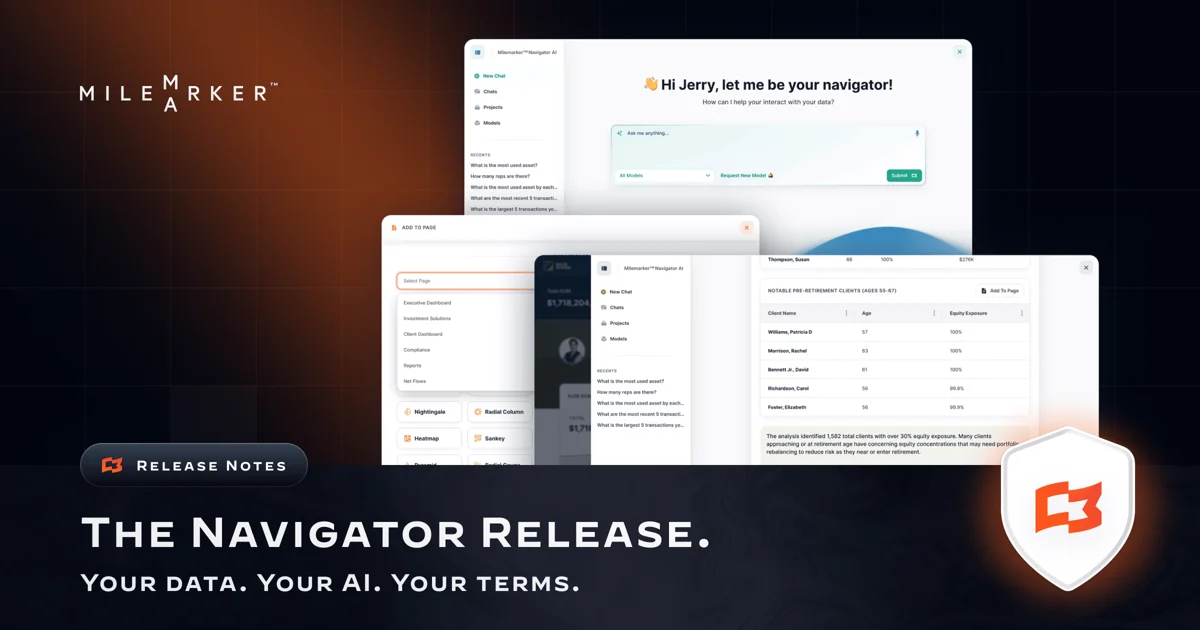
Intelligent data analysis and natural language queries
Automated insights from client and portfolio data

We use cookies to enhance your experience, analyze site traffic and deliver personalized content.
Read our Cookie Policy